
The sensor API can only be accessed by API keys on the account that provisioned the sensor.
1. Log into Pollen Sense Portal
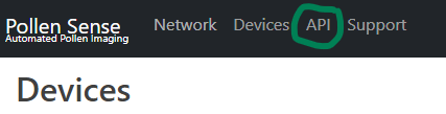
2. At the top of the page click on API
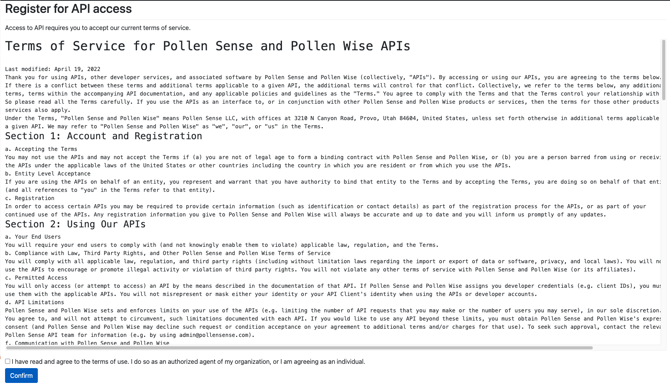
3. Accept the API agreement if you haven’t already done so
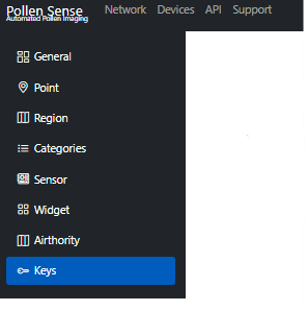
4. Click on the Keys tab on the left-hand side of the portal
5. On this page, you can view all keys that are used to give access to APIs with your account's permission, including the sensors API.
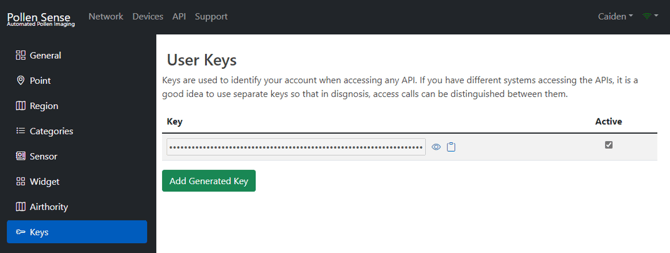
6. Clicking on the eye icon reveals the API key. Clicking on the clipboard icon copies the key. Clicking “Add Generated Key“ generates new API keys for the account from this page.